01
It finds the game
Search all your added sources from one place.
Public beta · Open-source demo
Ludus is a free game launcher for Windows and Linux. Discover games, organise your library and keep your downloads and saves together.
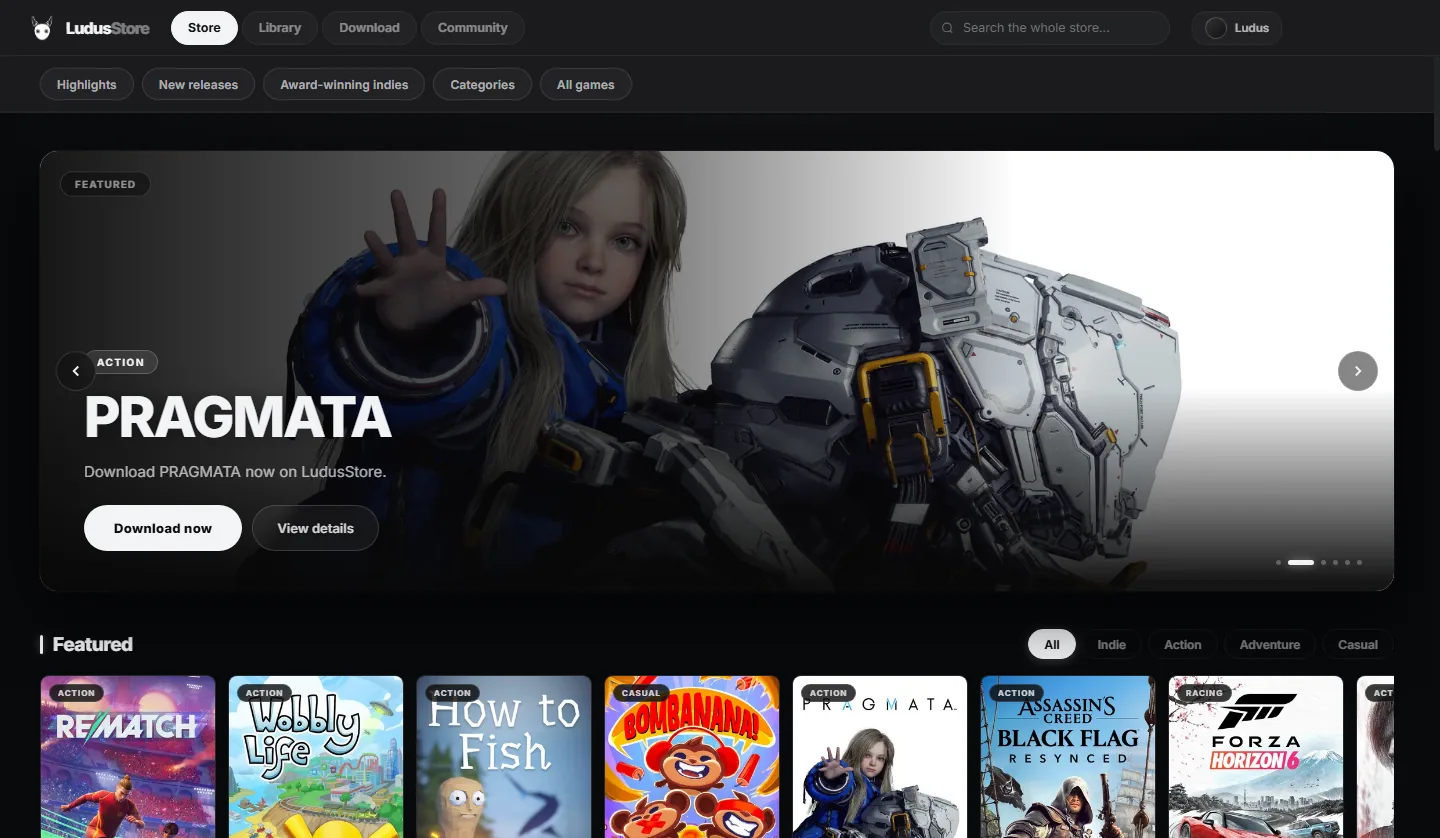
01 / THE LAUNCHERTake a look at the launcher ↗
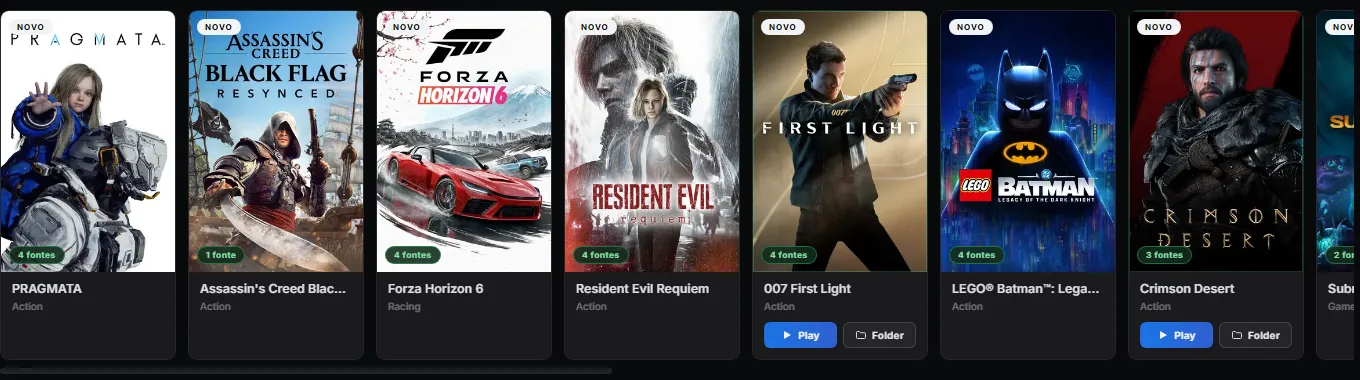
AAA, indie and retro. Search a title and Ludus looks through every source you've added at once.
Search for a game, choose a download and follow its progress in the app.
Search all your added sources from one place.
Two download engines: libtorrent for swarms and aria2 for direct links. Choose an engine and resume interrupted downloads.
Keep track of the files being downloaded and installed, including supported DLCs and manifests.
With cloud saves enabled, Ludus backs up supported games when you close them.
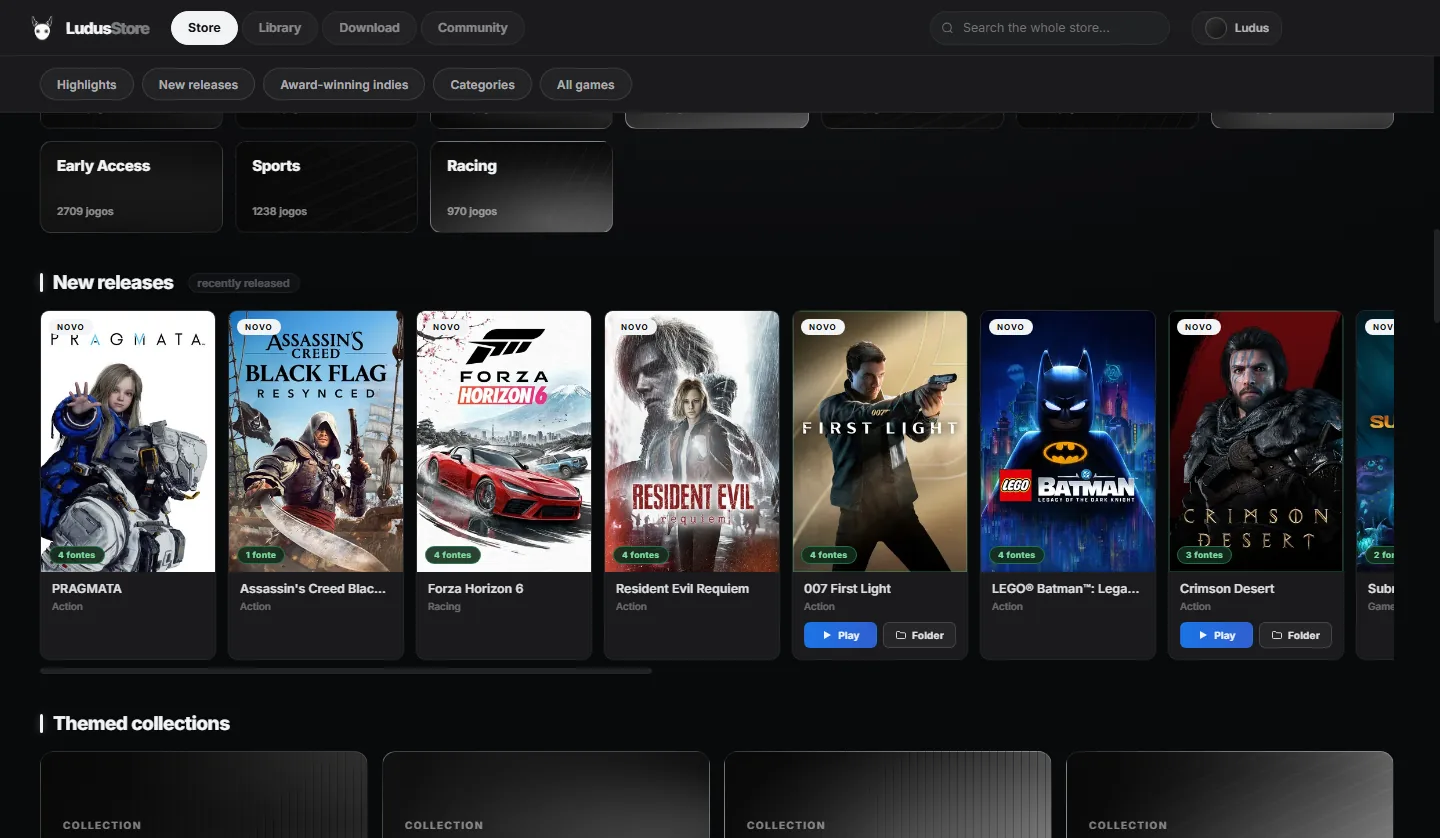
Browse game covers, genres and available sources before opening a game page.
Games you already have get a Play button on the card — the launcher knows where they live.
Change the look of your launcher, discover Epic titles and pick up where you left off. Version 1.7 brings new ways to personalise Ludus, keep your progress and get around the app.
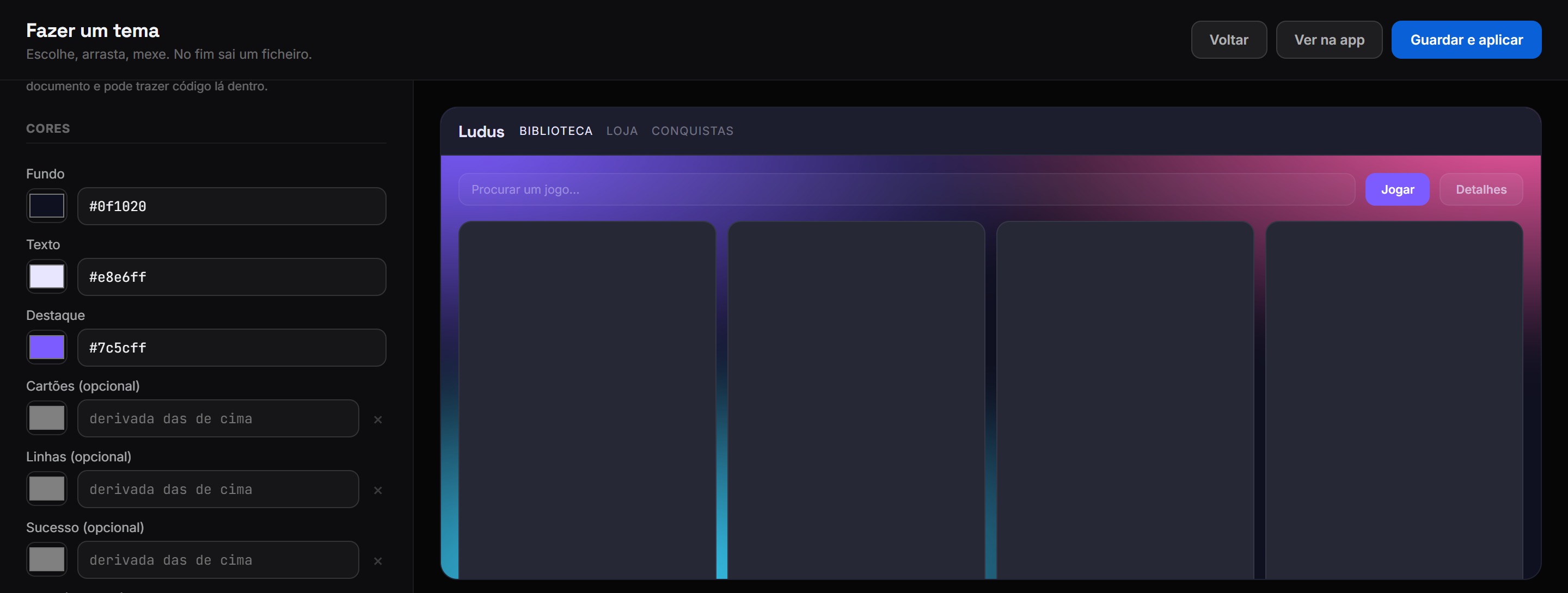
Choose background, text and accent colours in the visual editor. Adjust fonts, corners and spacing, then preview the result before applying it.
Export your theme as a file or publish it through your connected GitHub account. The theme store shows ratings and install counts to help you find something you like.
With cloud saves connected, supported games are backed up after you close them. Compressed backups can now reach 25 MB per game.
Ludus checks more common save locations, including Windows Saved Games. You can also choose the folder yourself when a game needs a different path.
Epic titles join the catalogue with game descriptions, artwork and trailers where available. Open a game page to see its details before choosing a download.
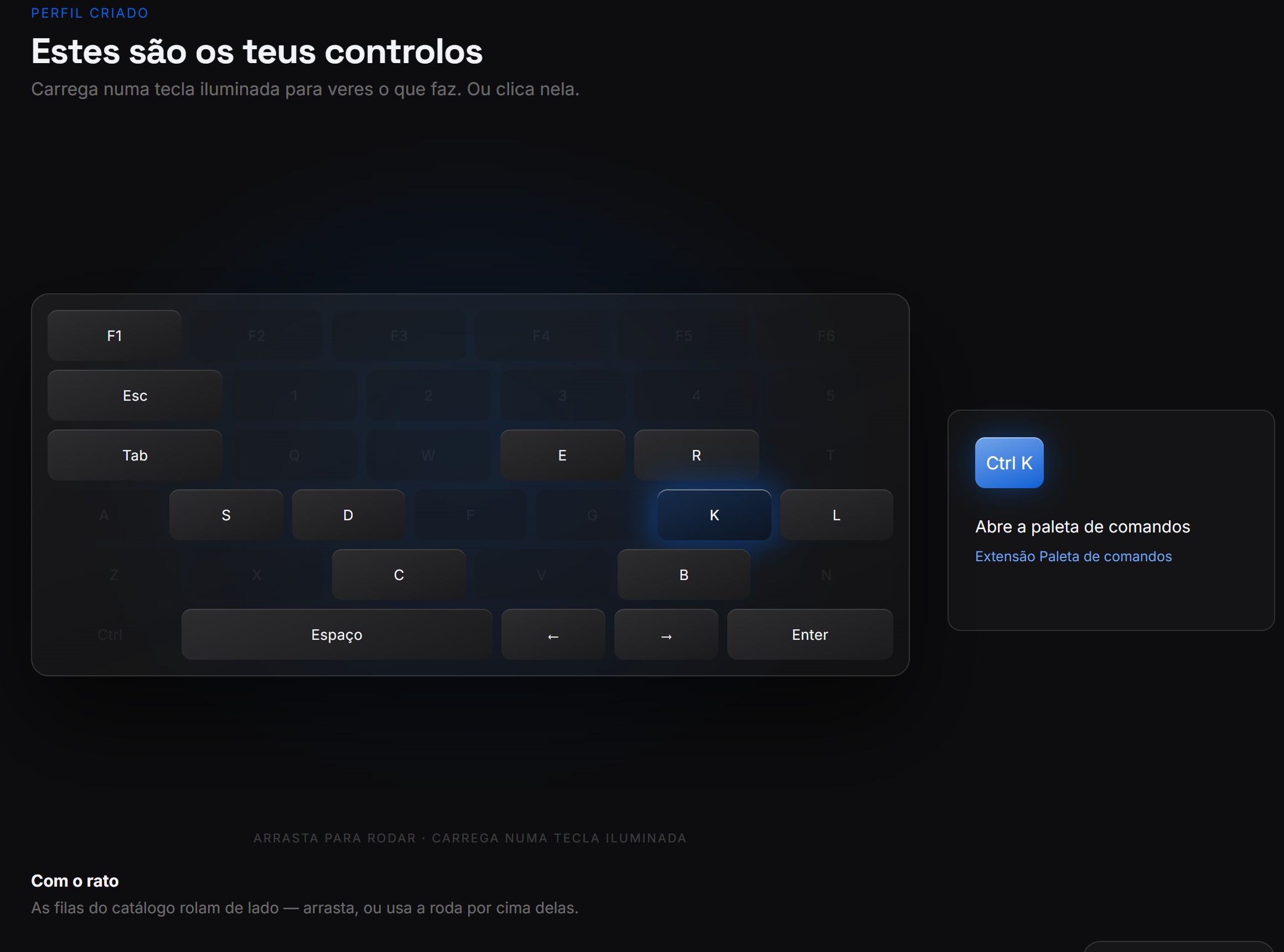
Open the interactive keyboard guide to see what each highlighted key does. Try a key or click it to read its action, including where the shortcut works.
Click your account in the store to open your profile. The guest label now updates after you sign in, and you can rotate your profile card in its interactive 3D view.
Pick the available engine before starting a download. Store searches reuse artwork that's already loaded, so browsing doesn't keep requesting the same covers.

Download the installer and follow the steps. You can start browsing as a guest.
New installations start with default settings and no saved accounts. Download for Windows or Linux below. Check installer SHA-256 hashes.
Yes. Ludus is free to use. There are no paid plans or subscriptions.
Ludus has a separate open-source demo with basic local features. The full launcher and its online services use private code.
Yes. Linux x64 ships as an AppImage and a .deb package. The current build requires glibc 2.39 or newer, such as Ubuntu 24.04+, Debian 13+ or Linux Mint 22+. Windows 10 and 11 are supported.
Yes. Sign in with the same account on your other computers. With cloud saves enabled, you can restore backups for supported games.
The installer is not digitally signed. Windows may ask you to check the publisher before opening it. Download from this page and compare the file with the published SHA-256 hashes.
Yes. Choose a theme, adjust the interface in Settings or create and share your own look. The app interface is in English on Windows and Linux.
Open Sources in the app, follow the link to the source directory, then paste a JSON link into Ludus and click Add.
Open a ticket on the Discord server for help with Ludus.

Join us on Discord to ask for help, report a problem or share an idea for the next release.